Theme
Another SFTP server as storage
A very useful feature of SFTP.cloud is that it can act as a cloud native, secure front end that bridges traffic to another SFTP server, often on premises, without opening that server to the world.
Deploy the Storage Connector on or near the SFTP server you want to protect, then create a VFS that points to it. The Storage Connector connects to the SFTP.cloud service outbound only, so you can keep every inbound firewall port closed and your original SFTP server safe.
Here is an example of a VFS that points to an SFTP server. Even though your authentication data is stored encrypted in the Connector's database, and even though all traffic between the Connector and your internal SFTP server stays on your private LAN, public key (PKI) authentication toward the internal server is still the strongly recommended choice.

Two fields deserve a moment:
- Host key fingerprint pins the identity of the internal server. On that server,
ssh-keygen -lf /etc/ssh/ssh_host_ed25519_key.pubprints theSHA256:...value to paste. Without it the Connector accepts whatever key the server presents, so fill it in. - Private key passphrase is needed only if the private key you paste is encrypted.
When you save, the Connector tests the connection right away. If it cannot reach the server or the server refuses the credentials, the form stays open and says why.
Once the VFS exists, switch to the Users page and grant access to it to every transfer user who should reach it.
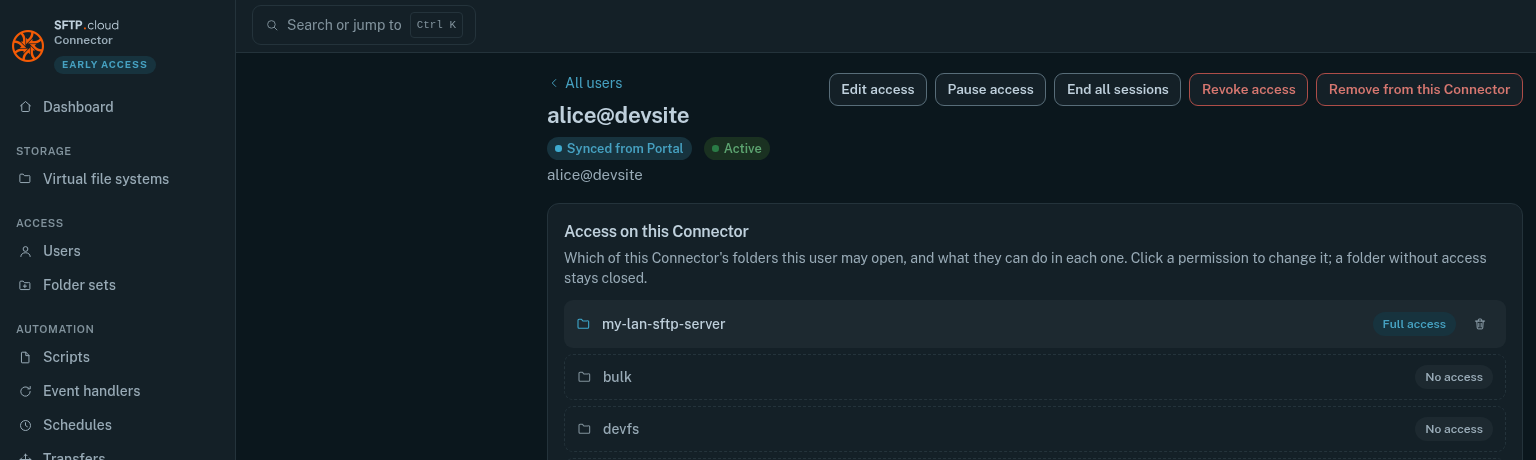
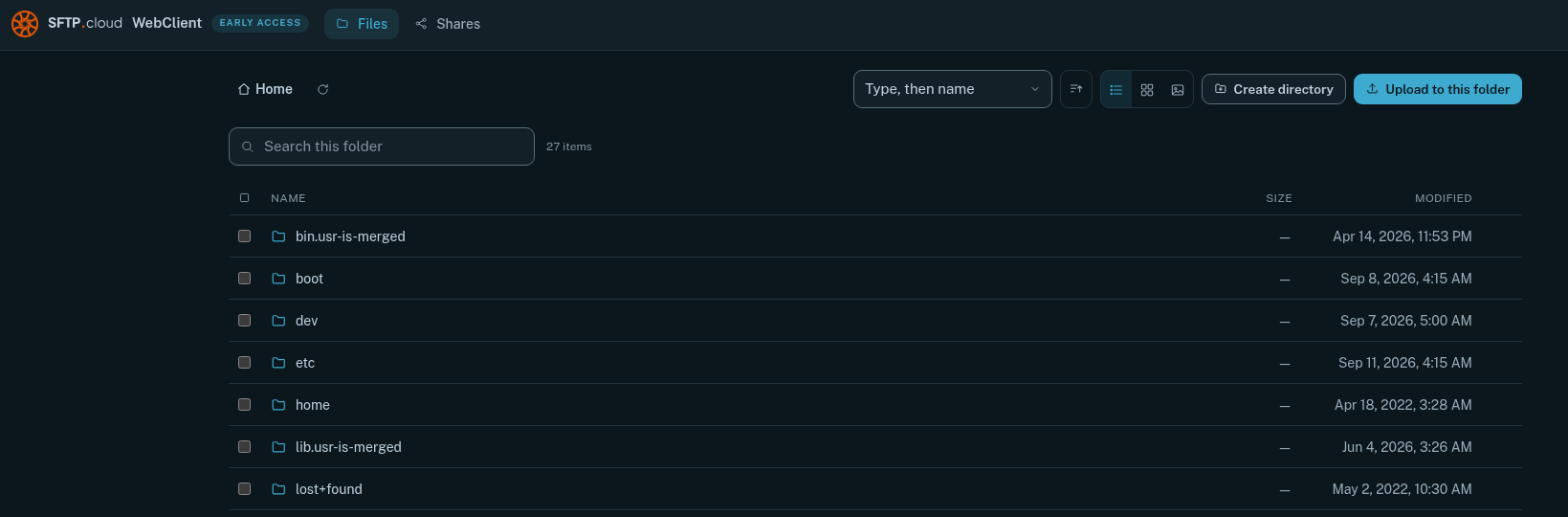
From then on, those users can point their browser or SFTP client to your SFTP.cloud host name, sign in, and work with your now fully protected original SFTP server:
In the manual