Theme
Amazon S3
Amazon S3 is probably the best known object storage in the world. It is very flexible and supports a great many settings and options. Explaining all of them here would be out of scope, so this page points you to Amazon's own documentation for creating a bucket and an access key, then covers the SFTP.cloud side in full.
Step 1: in the AWS Console
First create your S3 bucket:
INFO
Creating a general purpose S3 bucket in the AWS documentation.
Then create an access key and secret pair:
- Create an IAM user. Open the IAM console, select Users, and choose Create user.
- Attach permissions. In the permissions step, attach a policy that grants S3 access. A custom policy restricted to your bucket is the right choice;
AmazonS3FullAccessworks but grants far more than needed. - Generate keys. After creating the user, open it, go to the Security credentials tab, and select Create access key.
- Download the credentials. Choose Other as the use case, add a description if you like, and choose Create access key. Download the CSV file immediately: the secret access key is displayed only once.
That is it for the AWS side. Now to the SFTP.cloud side.
Step 2: in your SFTP.cloud Storage Connector
Best performance
Deploy the Storage Connector as close as possible to the storage it handles. For Amazon S3, an EC2 instance or a container in Amazon ECS in the bucket's region are the ideal choices.
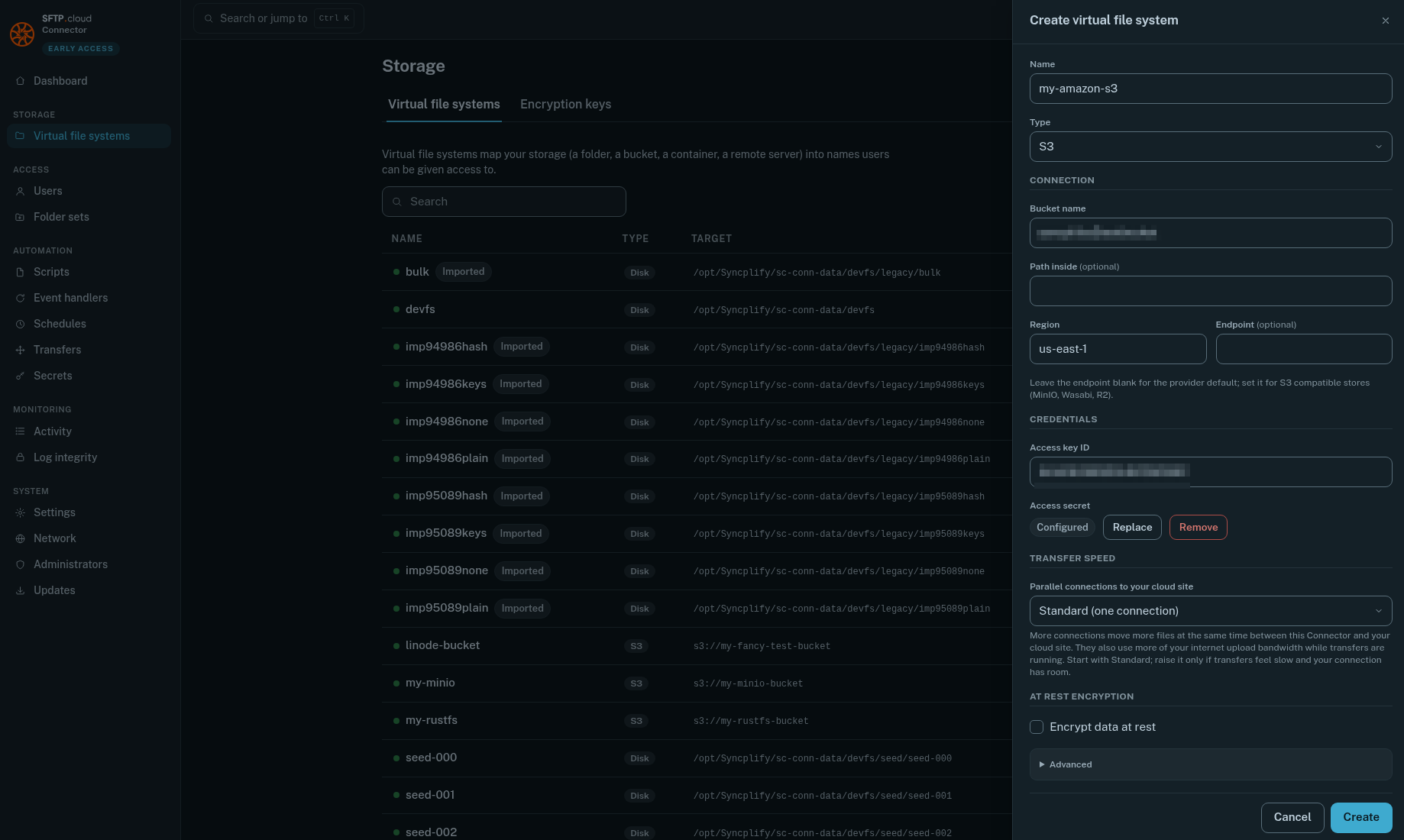
The first thing to do is to add a new Virtual File System. For Amazon S3 in particular there are a few small but important details:
- Type:
S3(as for any other S3 compatible object store) - Region: the region you created the bucket in (for example
us-east-1) - Endpoint: for Amazon S3, leave it empty
- Use path style addressing: off. Amazon serves every bucket as its own host name.
WARNING
Do not forget to press the Save button next to the Access secret after typing it in, or it will not be saved and nothing will work.
When you save, the Connector tests the storage right away. If it cannot reach it, the form stays open and says why.
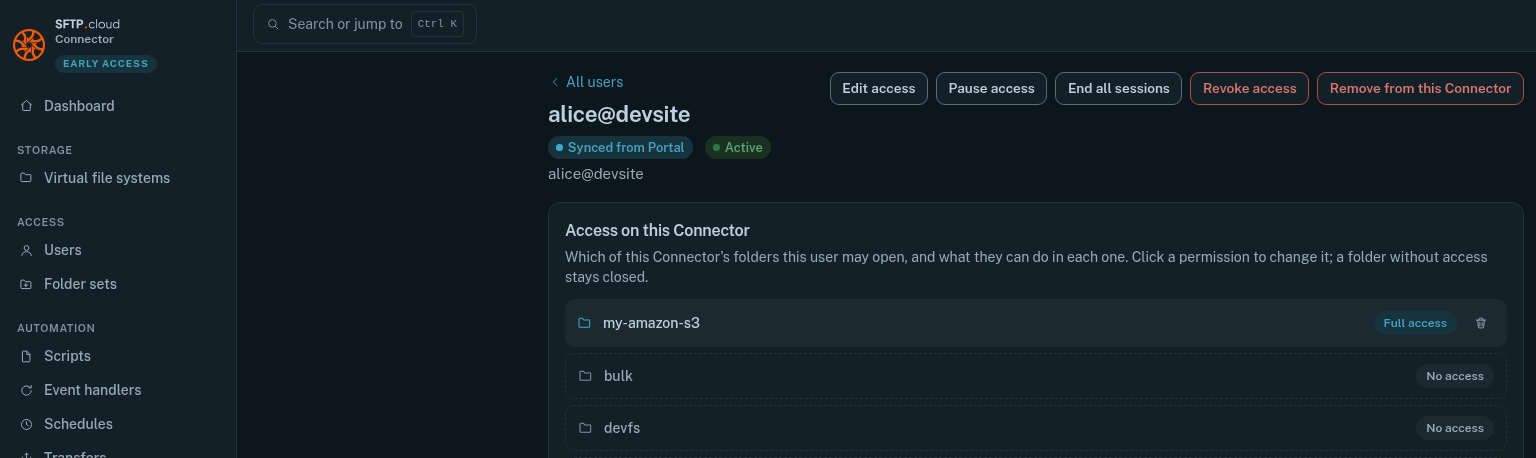
Then, still in the Storage Connector UI, go to the Users page and give your users the desired access to the new VFS:
Finally
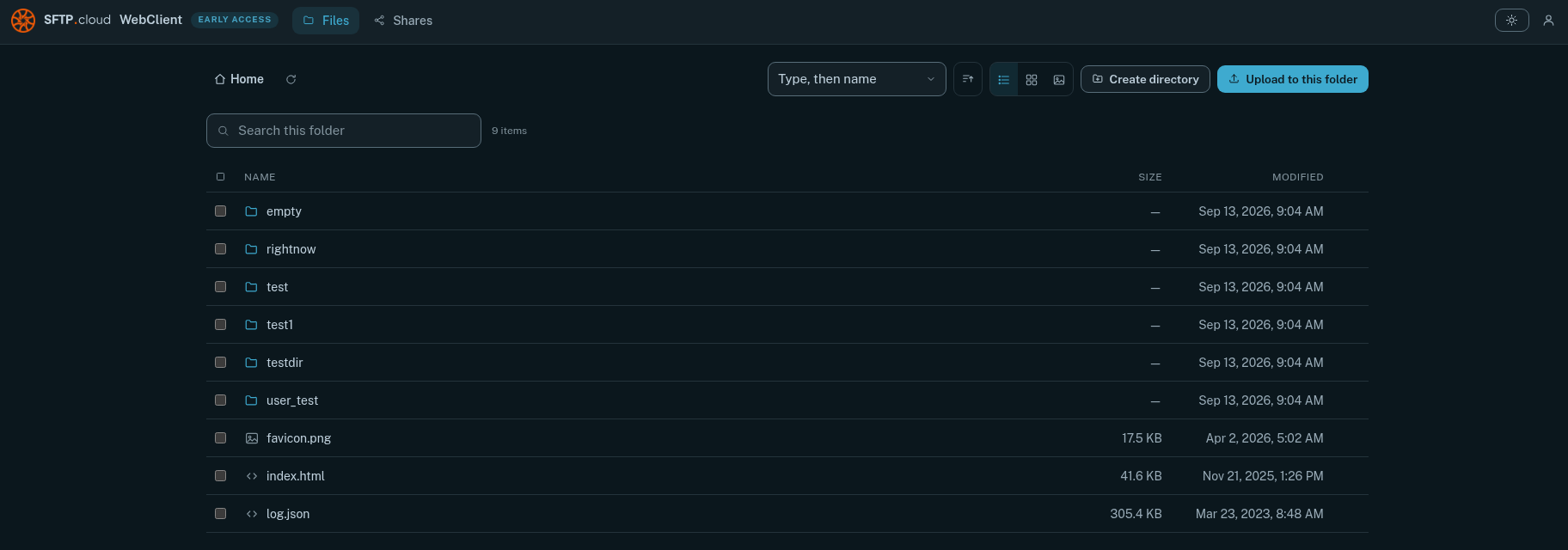
Test it. Connect through your SFTP.cloud WebClient, create a folder, upload some files:
In the manual